Continuous Integration: Jenkins and GitHub Actions
Continuous integration is where API tests earn their keep: every push, every merge, every night — the whole collection runs, and the build goes red the moment an API breaks. This chapter sets up Jenkins, the long-standing workhorse of CI, then shows the modern cloud-native equivalent in GitHub Actions. The principle is identical everywhere: install a runner, execute the collection, respect the exit code.
Set Up Jenkins
Step 1 — Install a supported Java runtime and set its environment variable. Modern Jenkins requires Java 21 (recent LTS lines dropped Java 17 and older — the Java 8 instructions in old tutorials will not work). The easiest source is Eclipse Temurin: https://adoptium.net/. Verify with:
java -version
Step 2 — Download the Jenkins WAR file (or a native installer) from https://www.jenkins.io/download/.
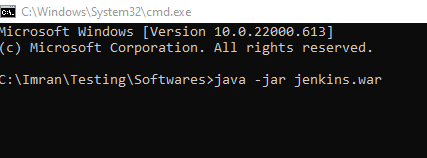
Step 3 — Go to the Jenkins file's location, open a terminal, and run:
java -jar jenkins.war
This starts the Jenkins server on local port 8080. (N.B.: don't close the terminal. On a real build server, install Jenkins as a service instead.)
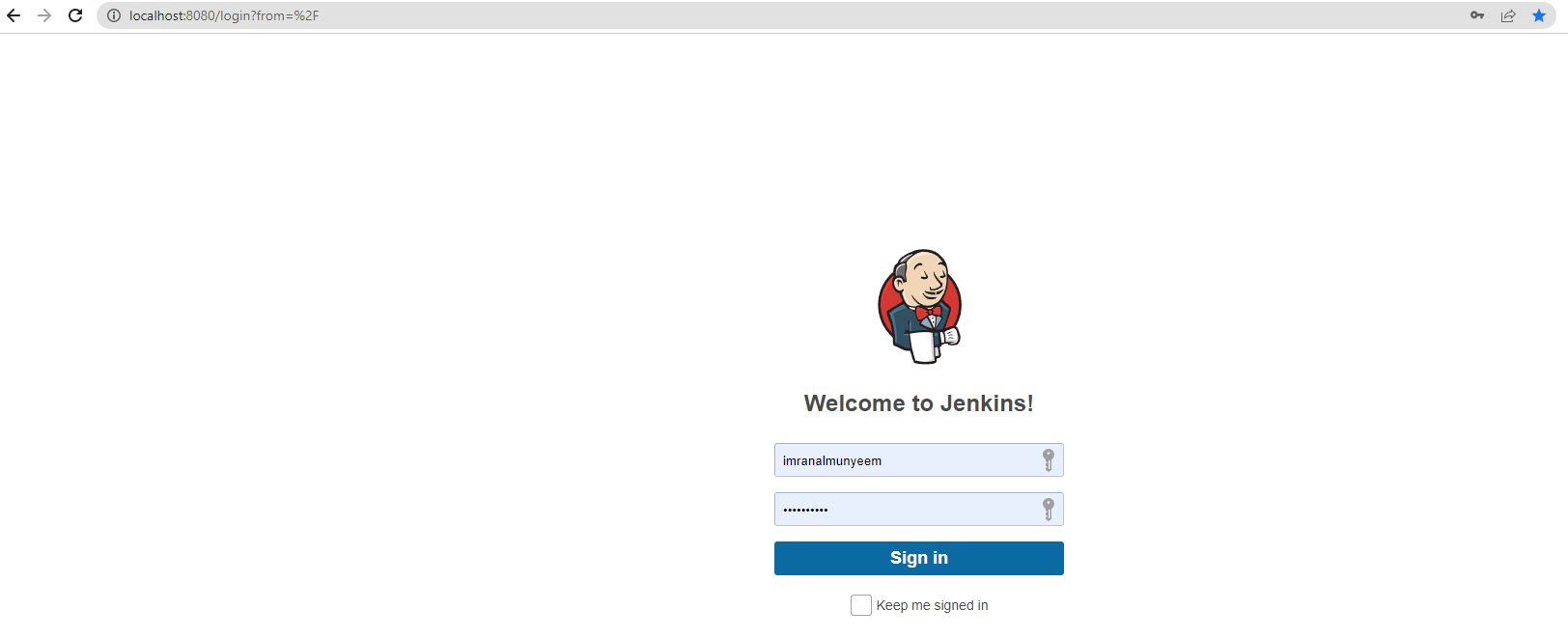
Step 4 — Open Jenkins in your browser at http://localhost:8080/.
Step 5 — Complete the setup wizard and log in.
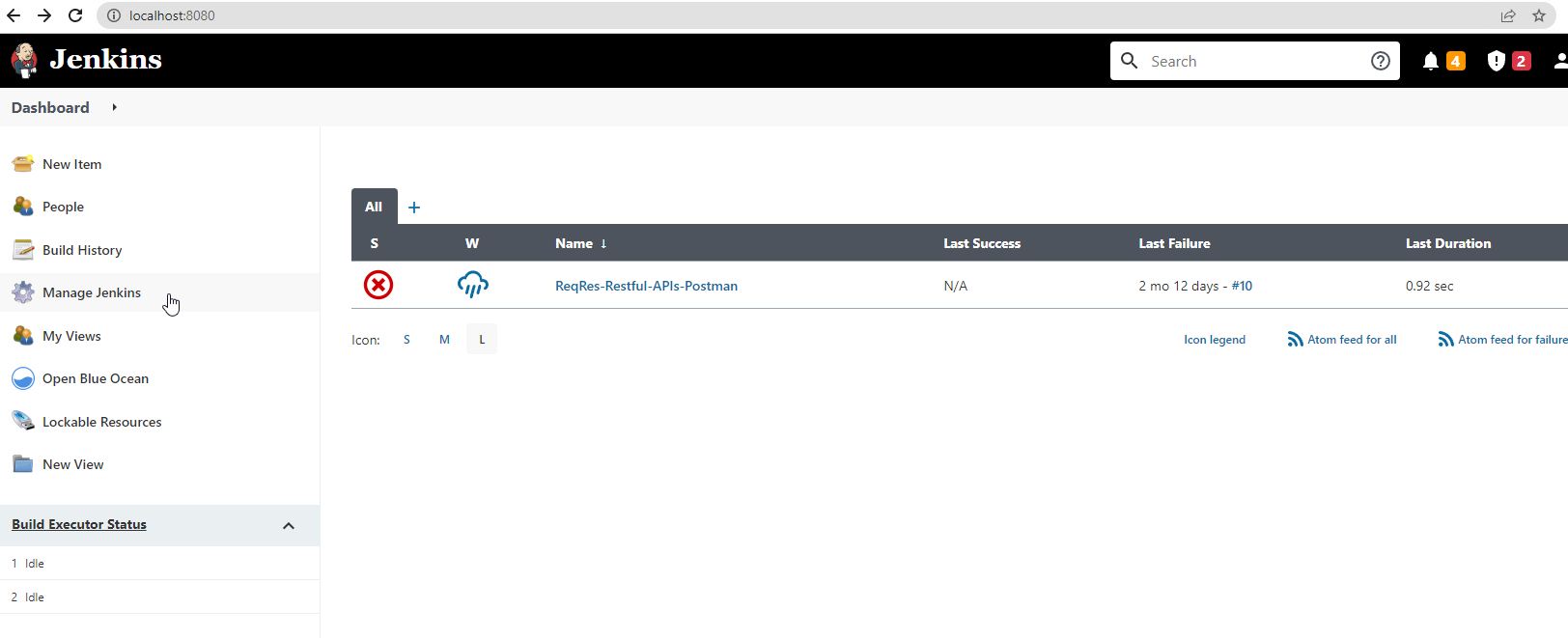
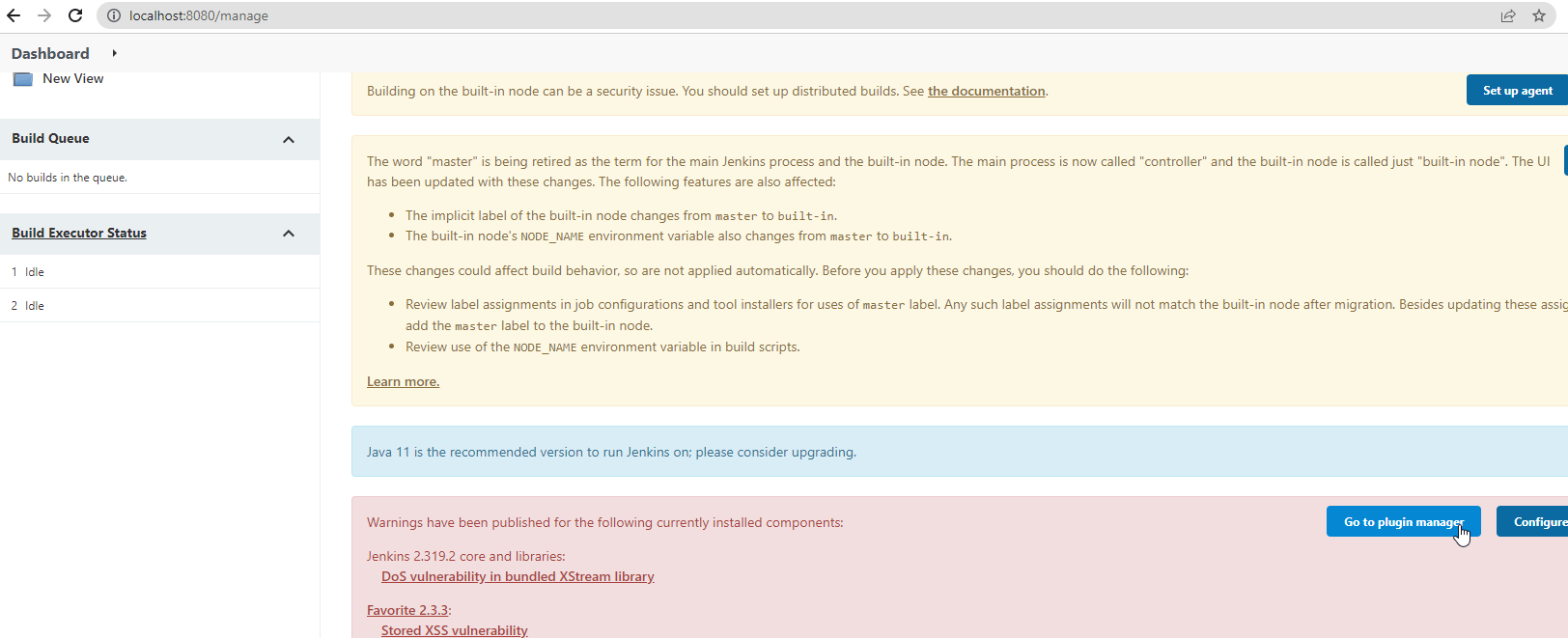
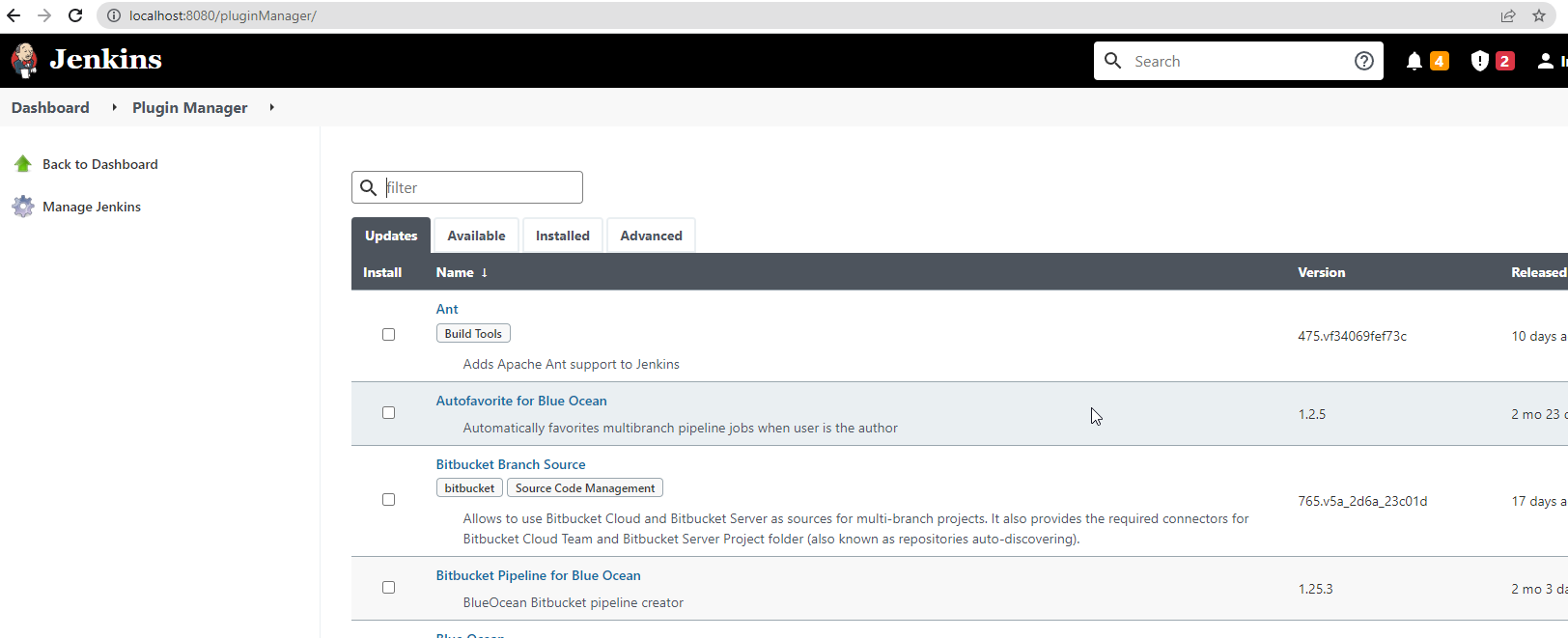
Step 6 — Click on Manage Jenkins, open Plugins, and install the recommended plugins. While you are there, also install the NodeJS plugin — it lets Jenkins provision Node.js and install Newman on the build agent automatically, far more reliable than depending on whatever happens to be installed on the machine.
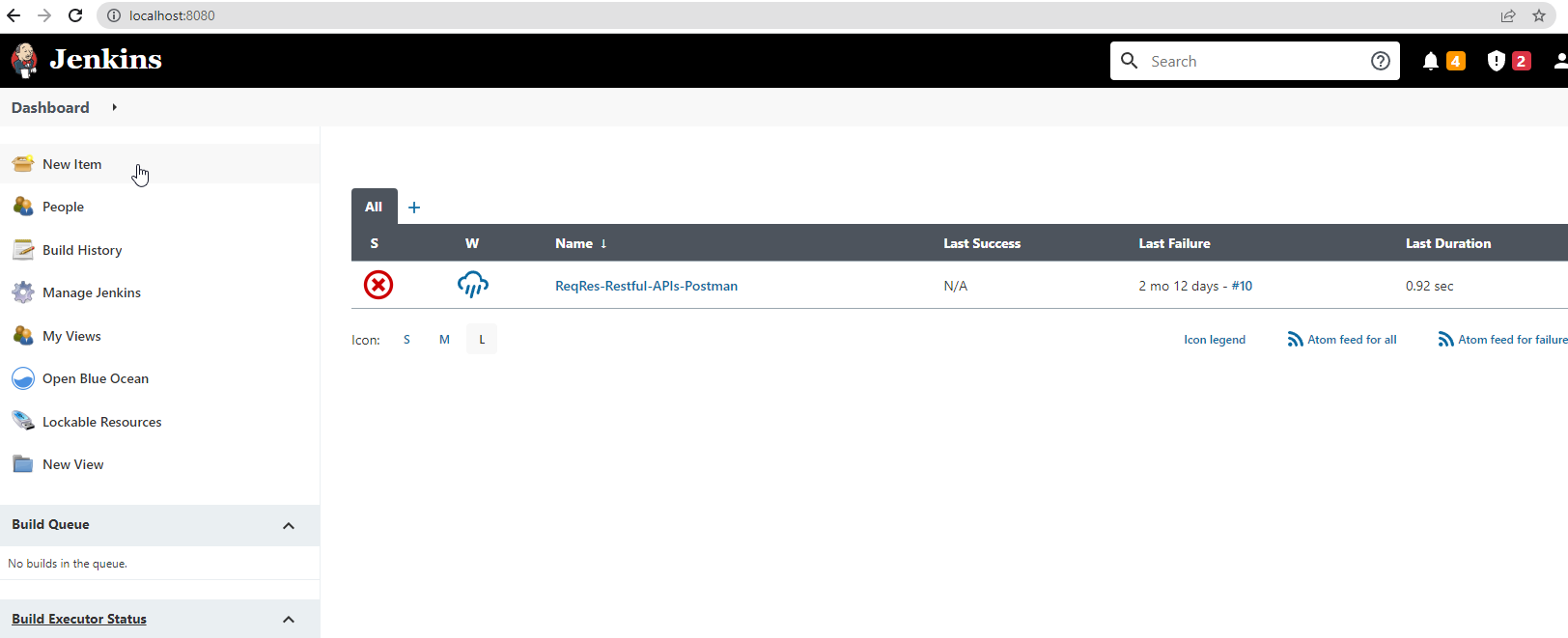
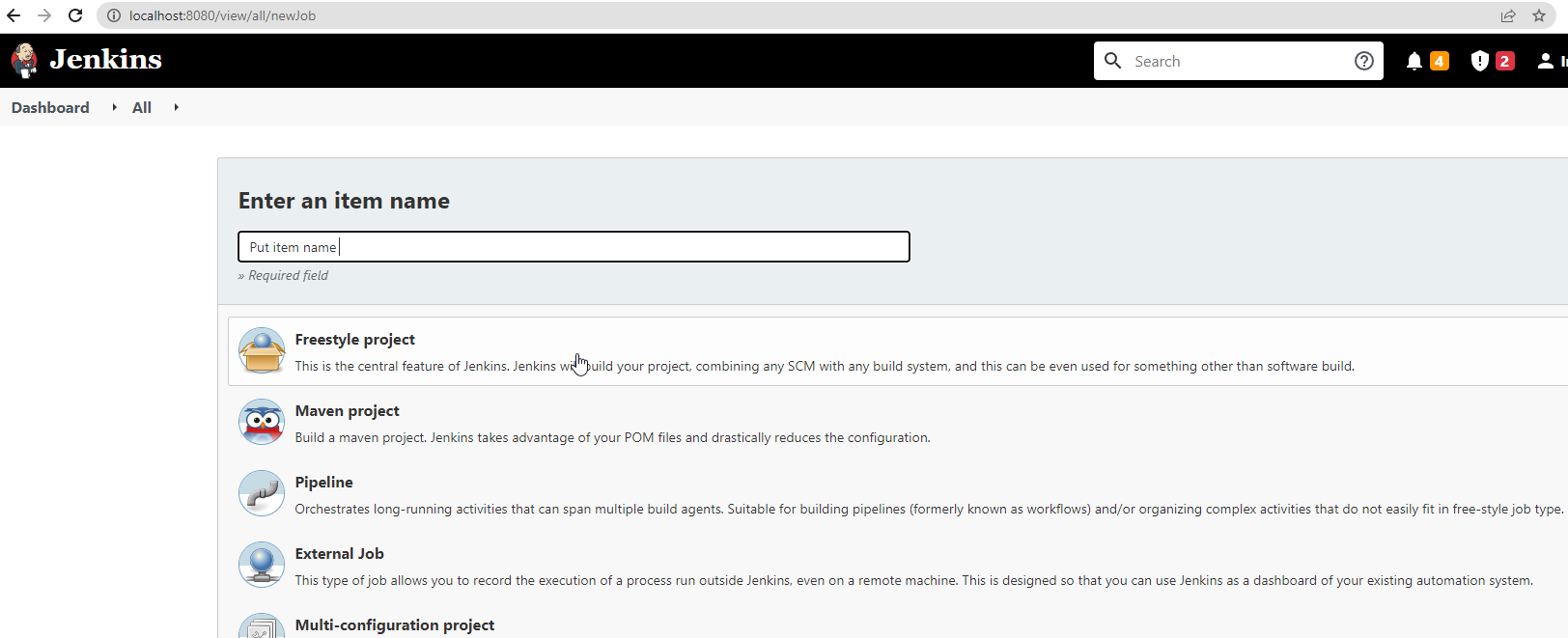
Step 7 — Click on New Item, enter a project name, select Freestyle project (the simplest to learn with), and save.
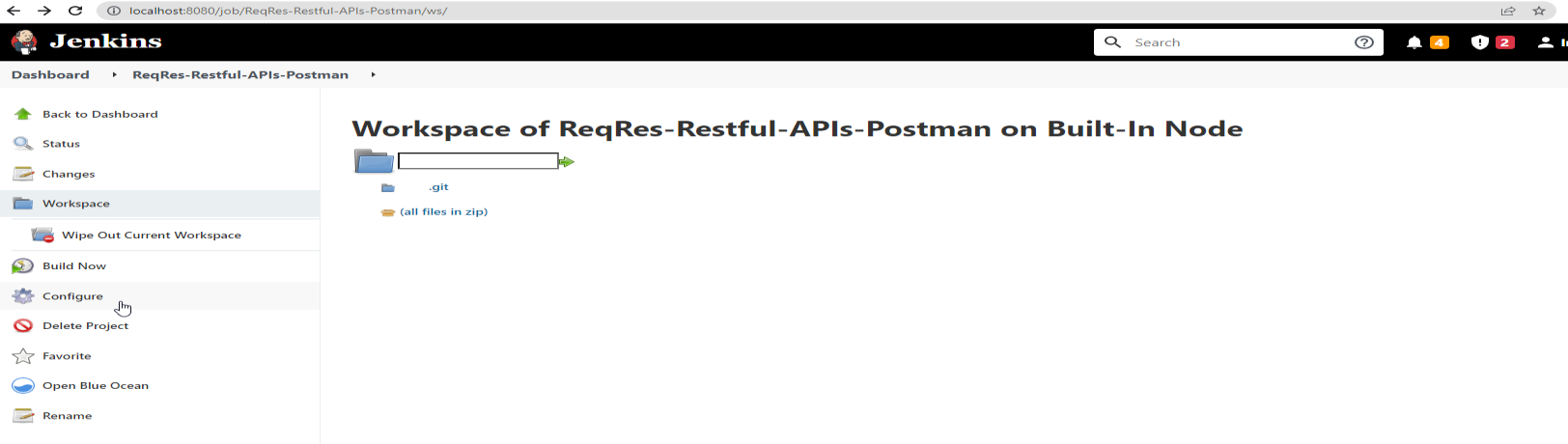
Step 8 — Open the project and click Configure.
Run from a Local Path
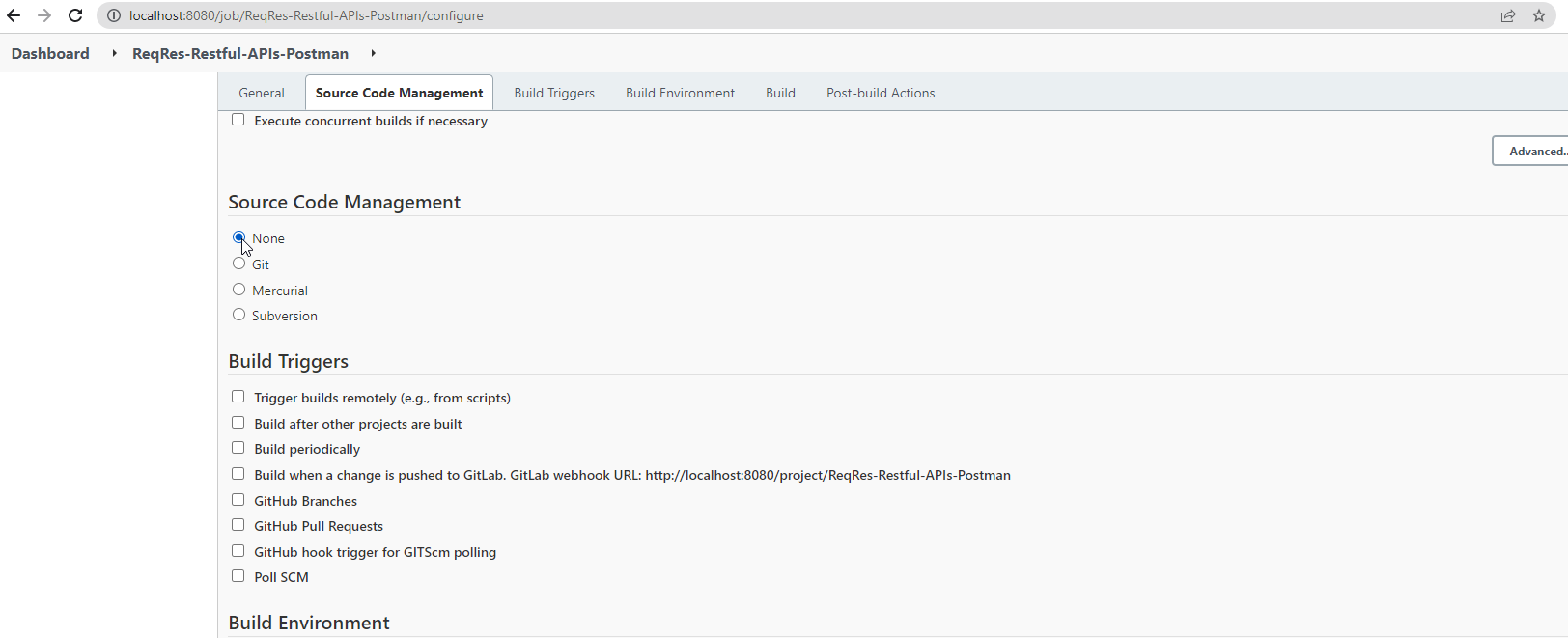
→ Set Source Code Management to None.
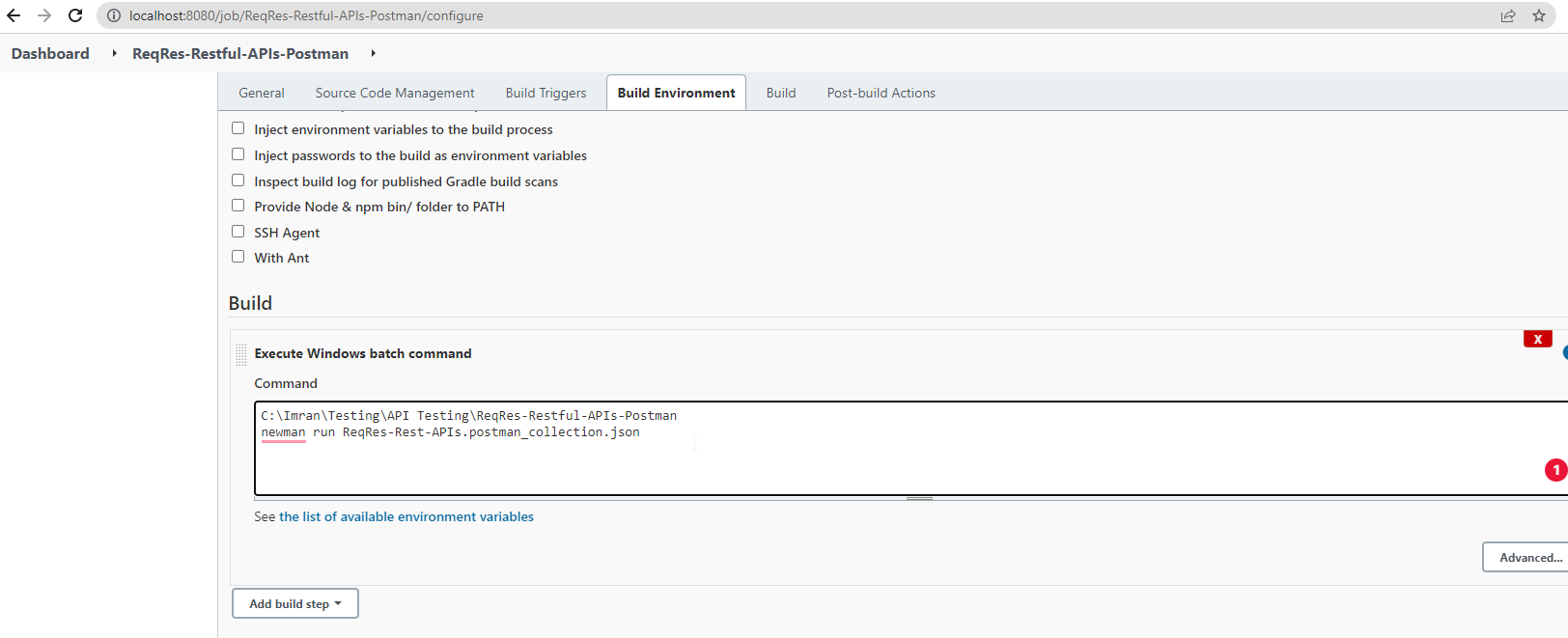
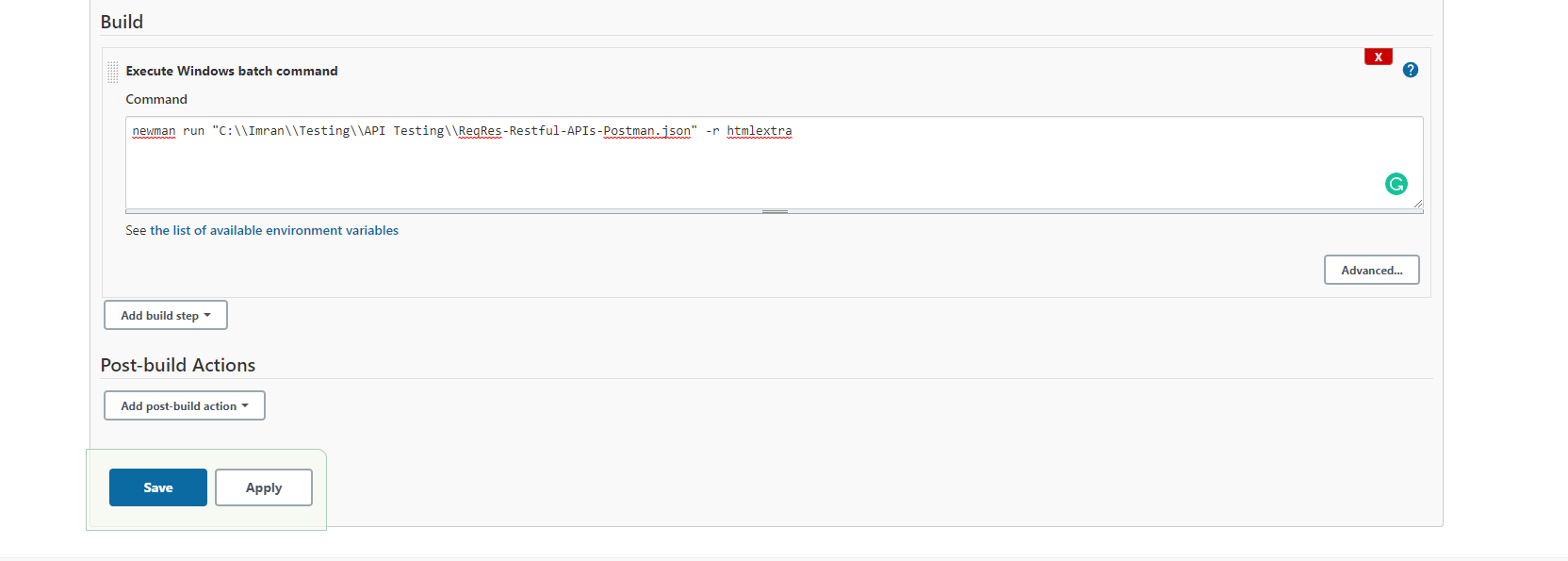
→ Add a build step — Execute Windows batch command on a Windows agent, or Execute shell on Linux/macOS — with the Newman command and the collection's path, then save:
newman run "C:\Projects\API-Tests\MyCollection.postman_collection.json" -r cli,htmlextra
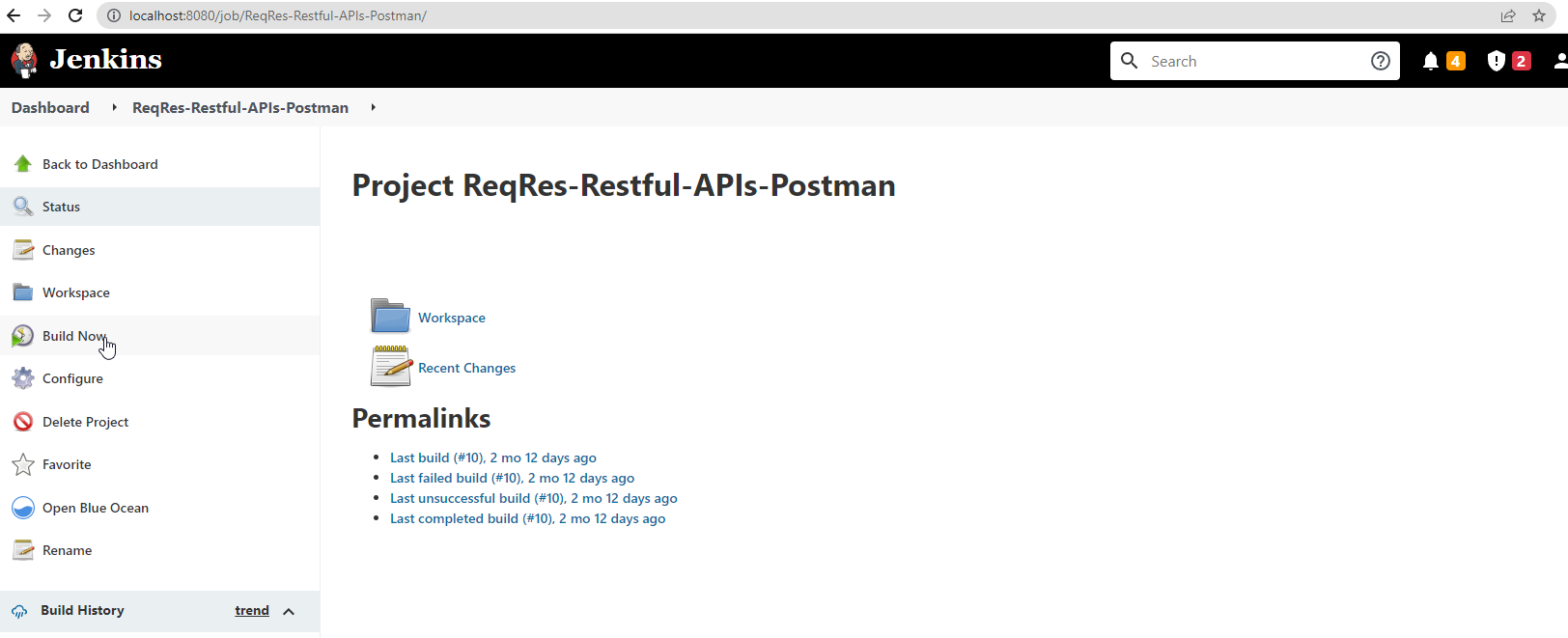
→ Click Build Now.
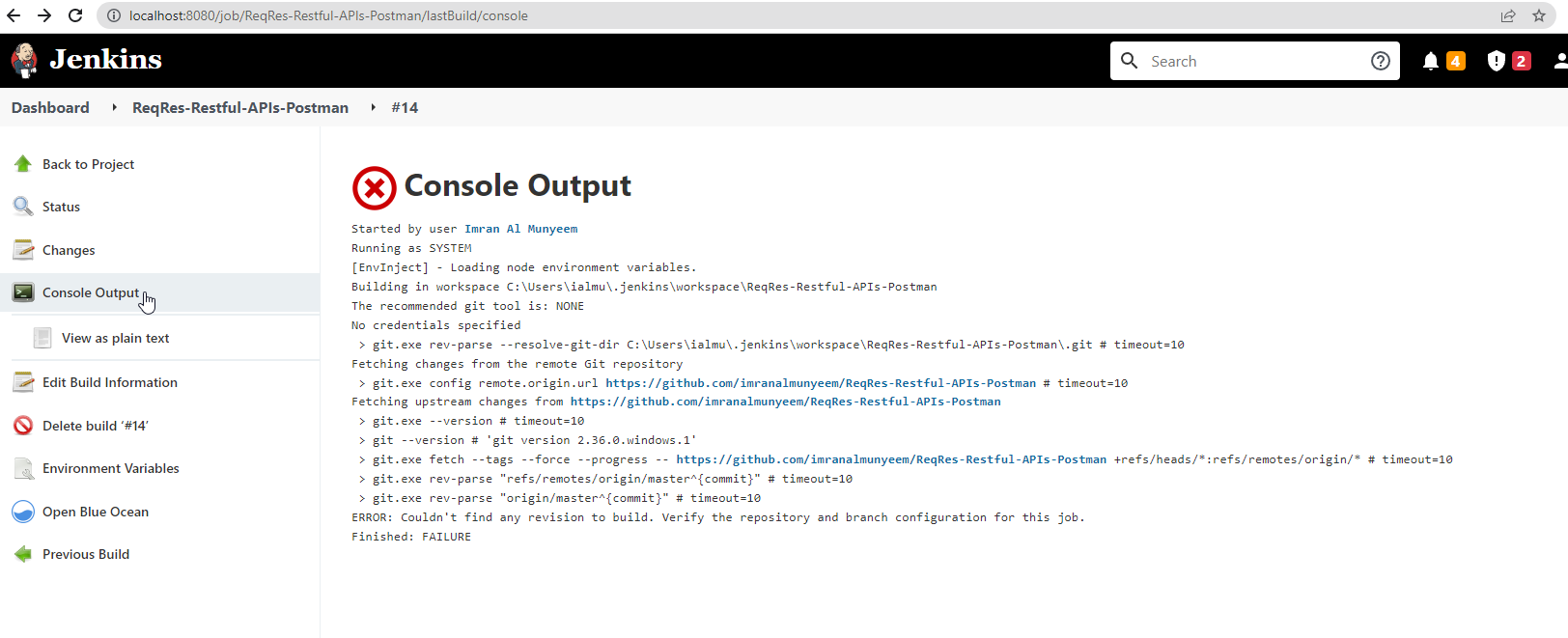
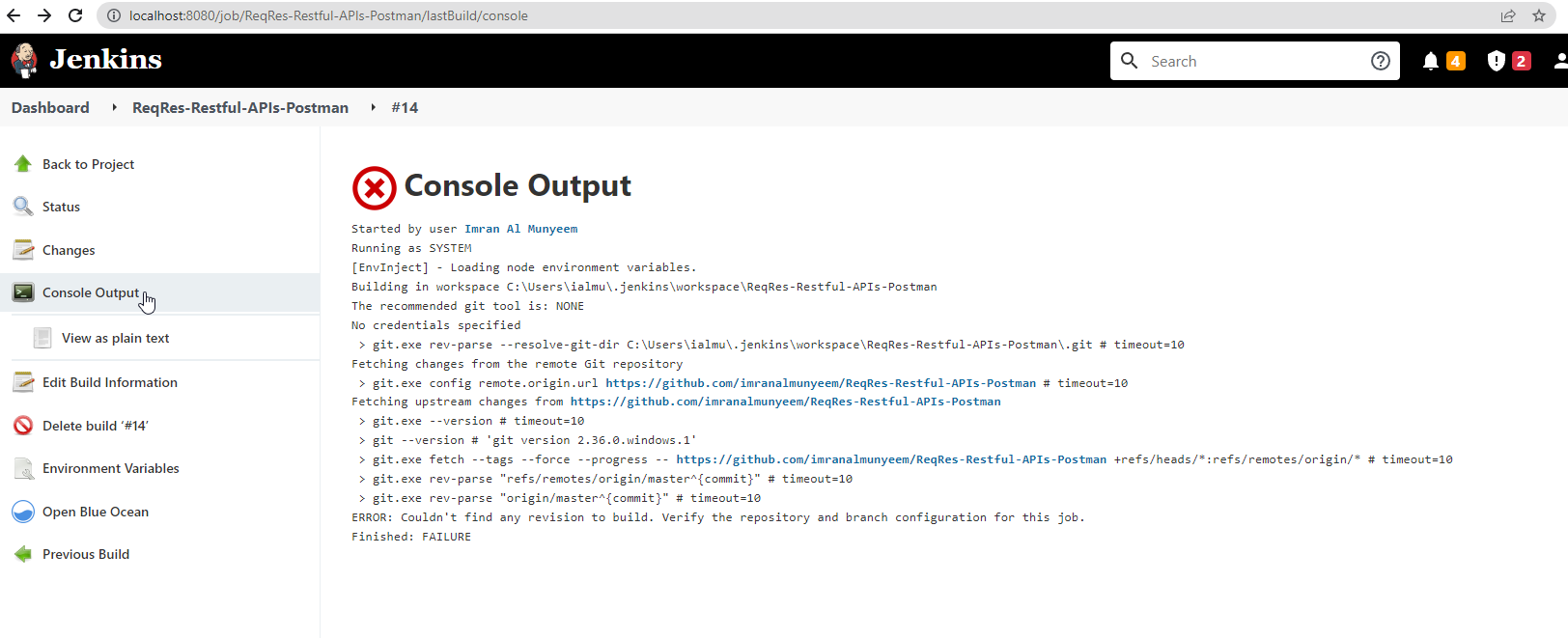
→ Click Console Output to watch the run; View as plain text gives the raw view.
Run from GitHub
Keeping the collection export in a Git repository — alongside the code it tests — is the scalable pattern: the tests are versioned, code-reviewed, and available to every build agent.
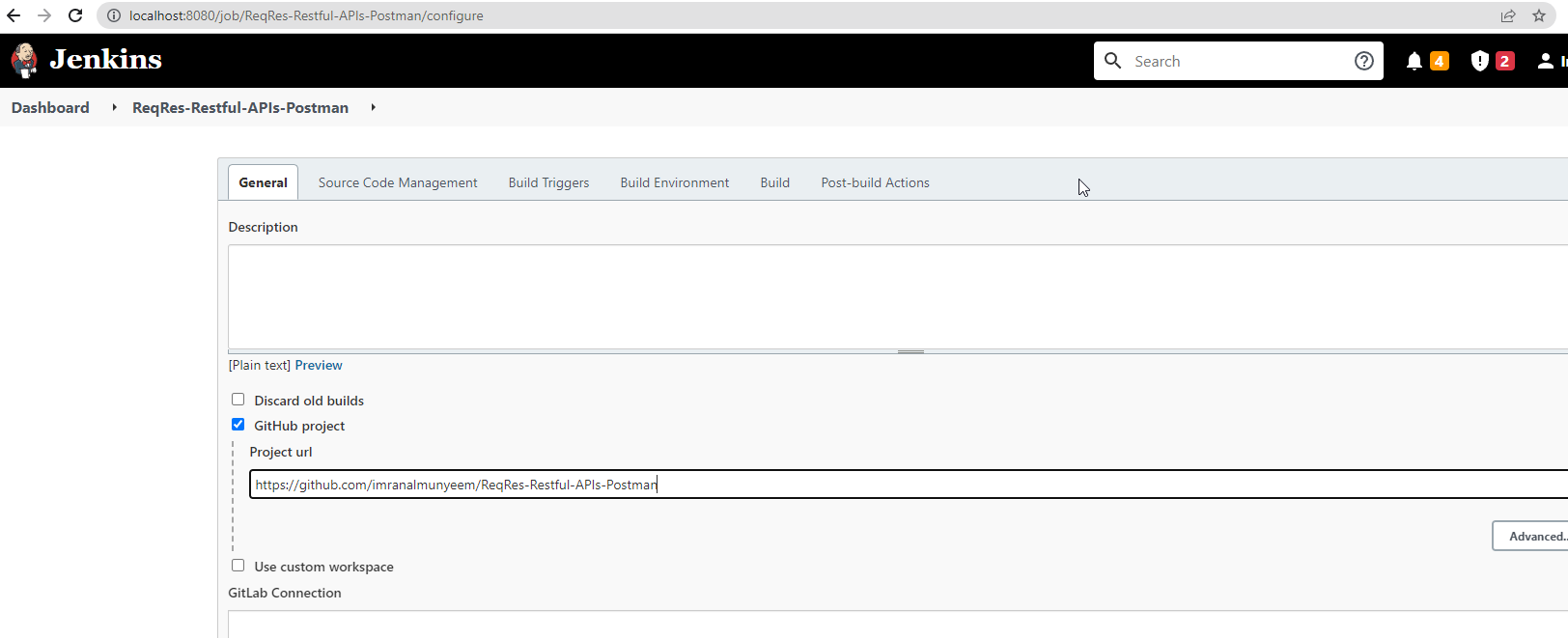
→ Tick GitHub project under General and enter the repository URL.
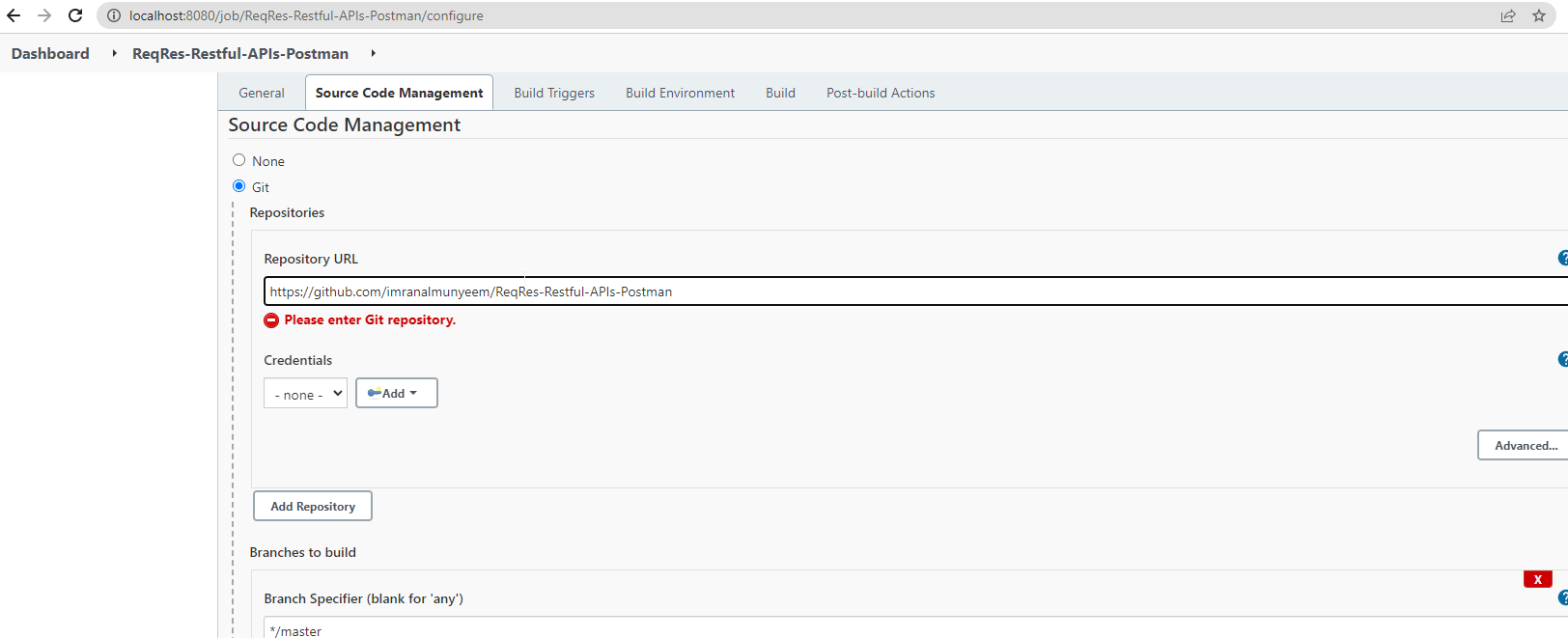
→ Set Source Code Management to Git and add the repository link. N.B.: add credentials if the repository is private.
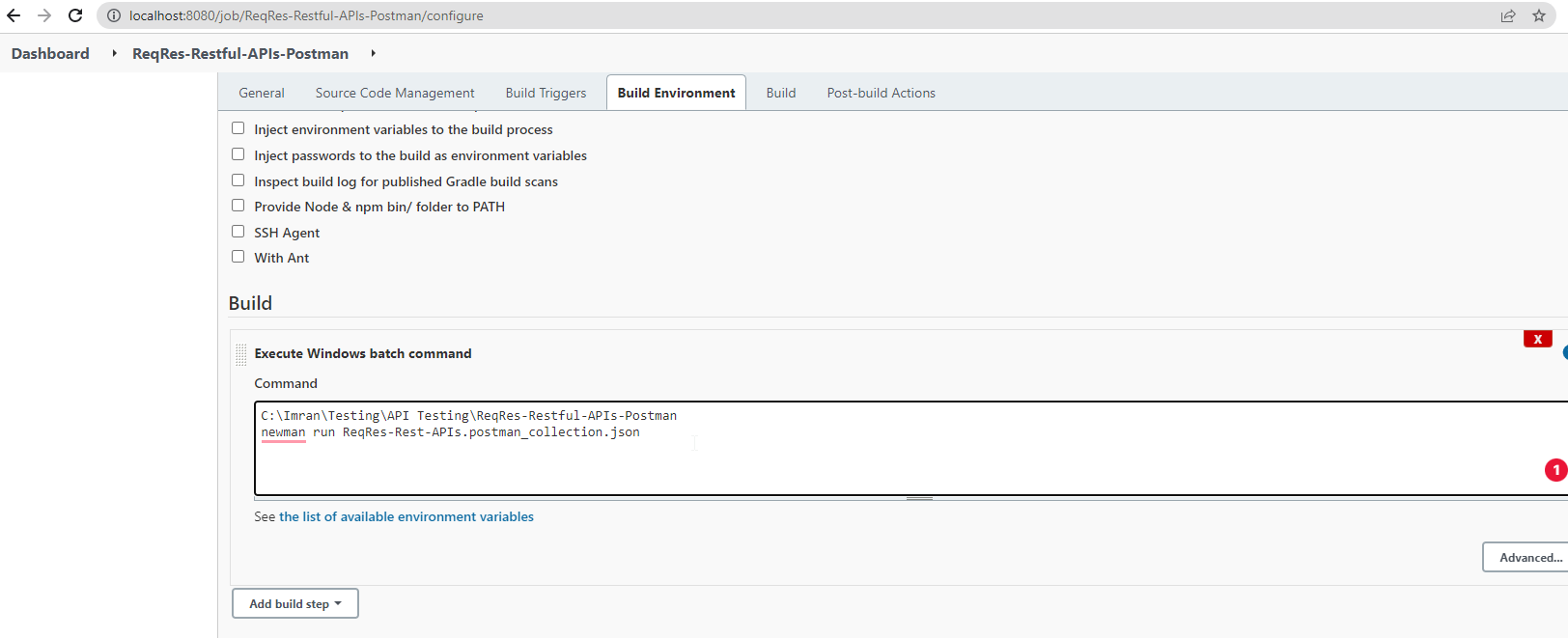
→ Add the same build step as before — the collection is now checked out into the job's workspace, so the path is relative:
newman run "collections/MyCollection.postman_collection.json" -r cli,htmlextra
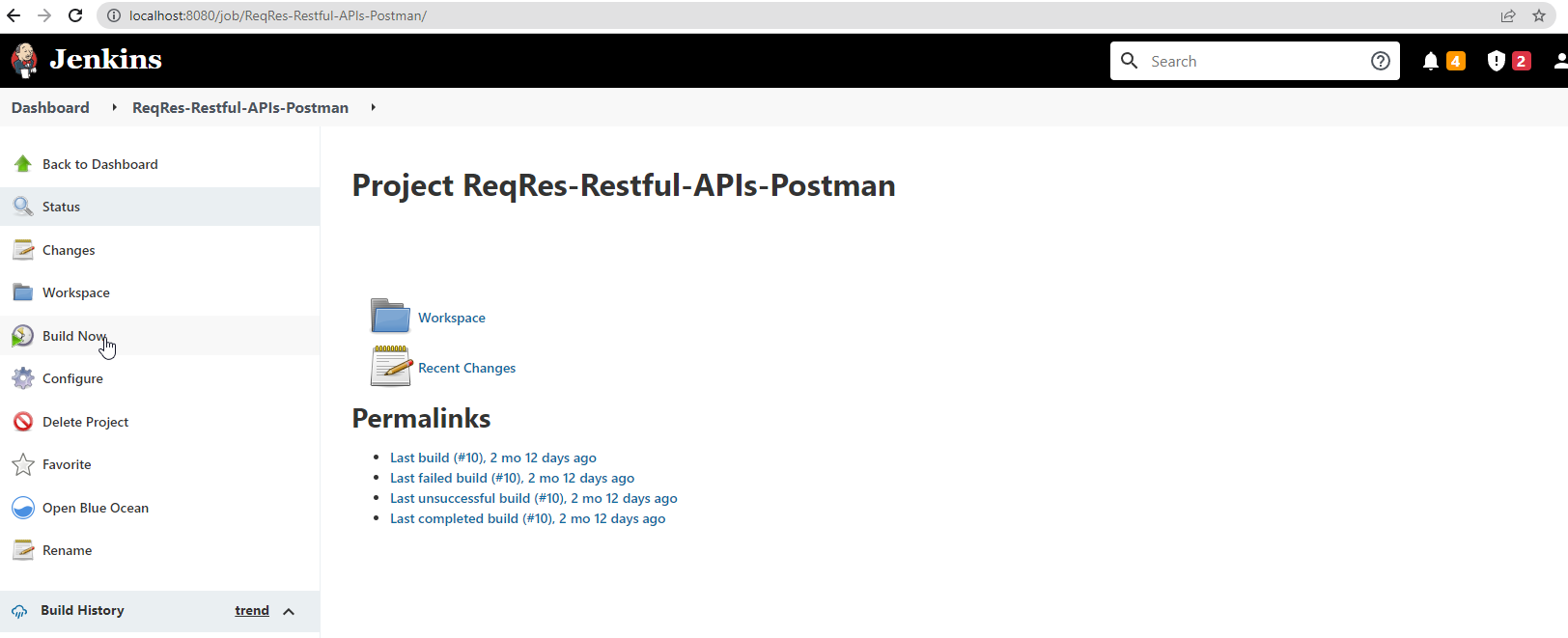
→ Click Build Now.
→ Review the Console Output as before.
Automate and Schedule
Put the Newman (or postman collection run) command in the build step, and every build runs the suite; because the runner exits non-zero on any failing test, a failing API test automatically fails the Jenkins build — exactly the safety net you want. To run on a schedule as well, open Build Triggers, tick Build periodically, and supply a cron expression — H 2 * * * runs the suite nightly around 2 a.m.
Handling secrets in Jenkins: never hard-code tokens in the build step. Store them in Jenkins Credentials, bind them to environment variables in the job, and pass them through: newman run ... --env-var "token=%API_TOKEN%" (Windows) or "token=$API_TOKEN" (shell). The token then never appears in the job configuration or the console log.
The Cloud-Native Alternative — GitHub Actions
If your code lives on GitHub, the same tests can run with no server to maintain at all. Create .github/workflows/api-tests.yml in the repository:
name: API Tests
on:
  push:
  schedule:
    - cron: "0 2 * * *"   # nightly at 02:00 UTC

jobs:
  postman-tests:
    runs-on: ubuntu-latest
    steps:
      - uses: actions/checkout@v4
      - uses: actions/setup-node@v4
        with:
          node-version: "lts/*"
      - name: Install Newman
        run: npm install -g newman newman-reporter-htmlextra
      - name: Run collection
        env:
          API_TOKEN: ${{ secrets.API_TOKEN }}
        run: >
          newman run collections/MyCollection.postman_collection.json
          -e environments/Staging.postman_environment.json
          --env-var "token=$API_TOKEN"
          -r cli,htmlextra
      - name: Upload report
        if: always()
        uses: actions/upload-artifact@v4
        with:
          name: newman-report
          path: newman/
Every push — and every night — GitHub spins up a clean runner, installs Newman, runs the collection, fails the build on any failing test, and attaches the HTML report to the run. The credential comes from the repository's encrypted Secrets, never from a file. The Postman CLI pattern is identical: store the Postman API key as a secret, postman login --with-api-key in one step, run the collection by ID in the next. GitLab CI, CircleCI, and Azure Pipelines follow the same recipe.
The finish line: with this chapter in place, your suite has completed the journey — from a request you clicked by hand in Chapter 4 to a gate that every code change must pass. One frontier remains: the AI now reshaping how the tests themselves get written.